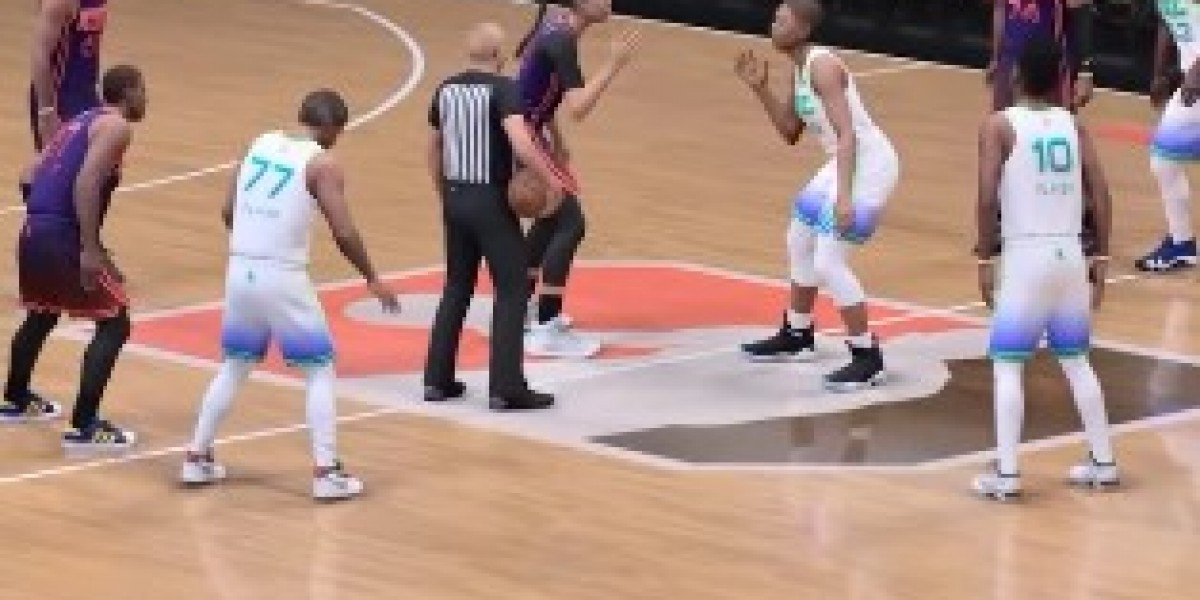

DLSS 5 in NBA 2K27 is less about making every possession look dramatically different and more about deciding where visual detail matters. The feature gives close-ups, replays, player likenesses, arena lighting, and uniform materials a higher ceiling, but that extra detail comes with a serious rendering cost. Before spending on NBA 2K27 MT, make sure your PC has enough headroom for the way you actually play.
What does DLSS 5 change in NBA 2K27?
DLSS 5 Neural Rendering works as a visual rendering option rather than a simple resolution switch. Its biggest gains show up in skin detail, hair, cloth, reflections, shadows, contact lighting, and the way players separate from the court under arena lights.
You notice the difference most during player introductions, replay angles, close camera shots, and late-game presentation scenes. From the usual full-court view, the effect is less dramatic because your attention is on spacing, passing lanes, defensive rotations, and shot timing.
Is DLSS 5 worth using during gameplay?
That depends on what you value during a live game. NBA 2K27 moves quickly, and a stable frame rate with consistent frame times can feel more useful than extra facial detail that you barely see while controlling a possession.
Players with plenty of performance headroom can leave Neural Rendering enabled and enjoy the sharper presentation. If you use a high-refresh display and care about immediate response, test the setting during real matches instead of judging it from a still image or a replay.
How much performance does DLSS 5 cost?
A test at 3440 × 1440 with maximum settings, ray tracing enabled, and quality-focused super resolution recorded 240 FPS with Neural Rendering disabled. Turning it on reduced the result to 91 FPS with no frame creation setting active.
That is roughly a 62 percent drop in that test setup. It does not predict the exact result on every system, but it shows that the feature is demanding enough to require an intentional choice rather than an automatic recommendation.
Frame creation changes the displayed numbers. The same test reached 152 FPS at 2X, 263 FPS at 4X, and 348 FPS at 6X with Neural Rendering enabled. Those figures can make motion look smoother, but they should not be treated as identical to the underlying rendered frame rate, especially when input response matters.
Who should enable DLSS 5 in NBA 2K27?
DLSS 5 is aimed at compatible 50-series PC graphics hardware, and NBA 2K27 does not require it for the standard experience. You can find the option under Features, then Video Settings, and the game also supports an F9 shortcut for switching the setting during gameplay and replays.
That shortcut makes testing easier. Watch the same replay with Neural Rendering on and off, then play a few possessions from your normal camera angle. The comparison tells you more than a menu description because the benefit changes sharply between close presentation shots and regular court action.
What is the best DLSS 5 setting for NBA 2K27?
For high-refresh gameplay, start with Neural Rendering disabled and establish how stable the game feels. Then enable it and compare frame pacing, controller response, and camera movement rather than focusing only on the FPS counter.
For replay-heavy sessions, player introductions, screenshots, and presentation-focused play, Neural Rendering makes more sense. NBA 2K27 is built around both fast decisions and broadcast-style spectacle, so there is no reason to treat one setting as correct for every mode and every moment.
Ultimately, DLSS 5 is best understood as a presentation upgrade with a measurable cost. Keep it on when the added detail improves the scenes you care about, turn it off when responsiveness is the priority, and use NBA 2K MT only after your graphics settings feel stable for your own system.



Popular Posts
-
 Software Consulting Market Revolution: Key Trends, Growth Drivers, and Future Predictions
By ReshmaSonune
Software Consulting Market Revolution: Key Trends, Growth Drivers, and Future Predictions
By ReshmaSonune -
 Business and personal pet projects are growing: why it's time to switch to Linux VPS
By alanpoe
Business and personal pet projects are growing: why it's time to switch to Linux VPS
By alanpoe -
 A Step-by-Step Overview to Using Bet9ja Promo Code YOHAIG for New Users
-
 Responsible For The Virtual Mystery Boxes Budget? 12 Top Ways To Spend Your Money
By casesgg1421
Responsible For The Virtual Mystery Boxes Budget? 12 Top Ways To Spend Your Money
By casesgg1421 -
 Pagi88: Komunitas Judi Online yang Ramah dan Mendukung
By Beo4d Beo4d
Pagi88: Komunitas Judi Online yang Ramah dan Mendukung
By Beo4d Beo4d