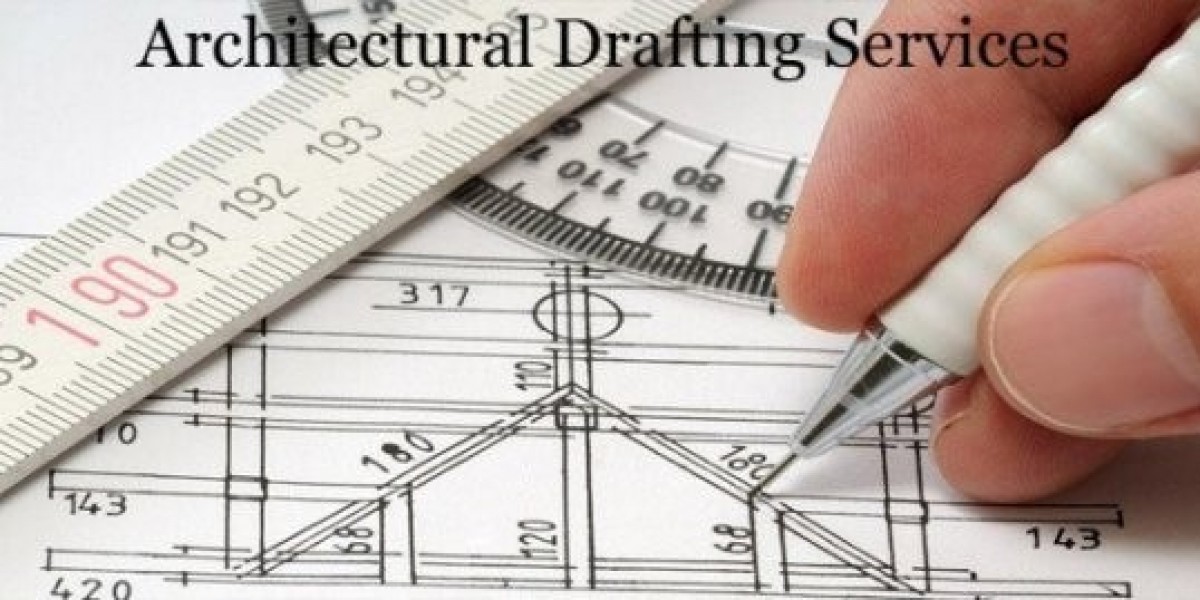

Architectural Drafting Standards typically comprise of line, weights, scales, and dimensions. Just as the symbols on a map are like the dimensions and scale on an architectural drawing, the three above assist in communicating the message to the audience clearly. The accurate elements of the drawing make the design consistent and clear. However, if any of the three standards are flawed, the accuracy of the drawing is flawed. Thus, making it difficult to interpret an architectural draft.
These standards are a universal language for creating a draft. It communicates and transforms a draft into a buildable structure. Therefore, it's important for professional and student architects to make the best use of line types, scale, and dimensions.
Delving into Architectural Drafting Standards
From this point onwards, we will discuss the three drafting standards, which are as follows:
Line Weights
Similarly, line weights refer to the thickness of a line. Across different architectural plans, lines of varying thickness are used to convey a message. The thickness of a line is adjusted by a felt pen or CAD software.
The most advanced CAD tools used for Architectural Drafting Services are as follows:
AutoCAD
Building Information Modeling
Revit
SketchUp
Maya
Corona
When it comes to line weights, you only need the following line weight categories:
Heavy Lines
These are the darkest and are used to instantly show architectural components prominently. These are used for cut elements in section or plan views. These lines start from 0.7mm or more.
Medium Heavy Lines
Such lines are applied for outlining a property's boundaries in an architectural draft in a site plan. These are mostly 0.5mm to 0.7mm.
Medium Lines
These lines are used to outline objects in a draft. It includes mostly dimensional elements, such as window frames, stairs, furniture, etc. These lines start from 0.35mm to 0.5mm.
Thin Lines
These types of lines are used to represent secondary information in a draft. It may be for texture, contour lines, or other repetitive elements. These lines start from 0.18mm to 0.25mm.
Thinnest Lines
They are used for dimension, extension, grid, and reference lines, and are 0.13mm to 0.18mm
Most Common Line Types
Line type refers to the design in which the line is drawn. They can be solid or with gaps. Different types of lines are intended to signify different things.
Line Types Example
Solid
A solid line type is one that is continuous, without any breakage. It signifies the area that can be easily seen with clarity.
Dashed
A dashed line of the architectural design refers to an area that exists physically but is not visible, such as a basement below the ground.
Scalability in Architectural Drafting
Scalability in architecture entails that real-life objects are shrunken. Scalability maintains proportionality throughout an architectural draft. For architectural drafts, scalability factors are mentioned in the discussion below.
Scalability in 2D and 3D
In 2D and 3D, a 1:10 scale ratio means that all scales are 10 times smaller. Now, let's take a look at the components of the following architectural draft:
Site analysis is represented by 1:1000 or 1:1250
A conceptual architectural design is represented by 1:200 or 1:500
In the development of a design, a scale of 1:50 or 1:100
Scale Bar Understanding
In an architectural draft, understanding the scale bar plays a crucial role. As it provides information about the scalability in which it has been created.
Architectural Drafting Dimension Hierarchy
Dimensions in an architectural draft show the quantitative information for construction. Thus, providing clarity and overall completeness in an architectural draft.
Dimension Types
The following dimension types will provide you with a broader perspective for architectural drafts:
Overall Dimensions
It provides the building's entire outermost structural length as well as width.
Major Divisions
These dimensional divisions are inward lines demonstrating primary spaces. It will cover room-to-room divisions and other major architectural features, such as sections and elevations
Minor Divisions
These divisions in a draft represent the interior dimensions. It includes information, such as windows, doors, walls, and more. Thus, providing layout information from a dimensional perspective.
Interior Dimensions
Such dimensions provide room-by-room information within an interior space. Thus, showing clear dimensions between finished surfaces. In other words, these dimensions help in verifying room sizes.
The Need for a Professional Architectural Drafter
Creating an architectural draft is undoubtedly a complex undertaking. There are various reasons for the complexity. First, an understanding of drafting standards is crucial, as an architectural draft is developed by them. Other than that, the drafting process has been completely digitalized, and professionals have ample knowledge in developing drafts digitally.
The more accurate an architectural draft is, the clearer the visualizations will become. And, that is possible by hiring a competent Architectural Visualization Company. They are equipped with the right knowledge and tools for creating a draft.
Thus, by choosing SMA Archviz as your professional drafter, you will have the ultimate accuracy in all aspects.
Conclusion
Architectural Drafting Standards have made things easier for architects and the viewers of the design. They ensure accuracy and precision in the design to aid both the construction and planning phases. A construction drawing is essential to coordinate construction plans and increase coordination. Project stakeholders see eye to eye, and construction managers and labor can work on the same wavelength. An accurately drawn architectural draft helps to resolve any misunderstandings before proceeding with construction. Not to mention it brings everyone on the same page. They are the hallmark of a successful construction drawing.